
Give each photo a purpose
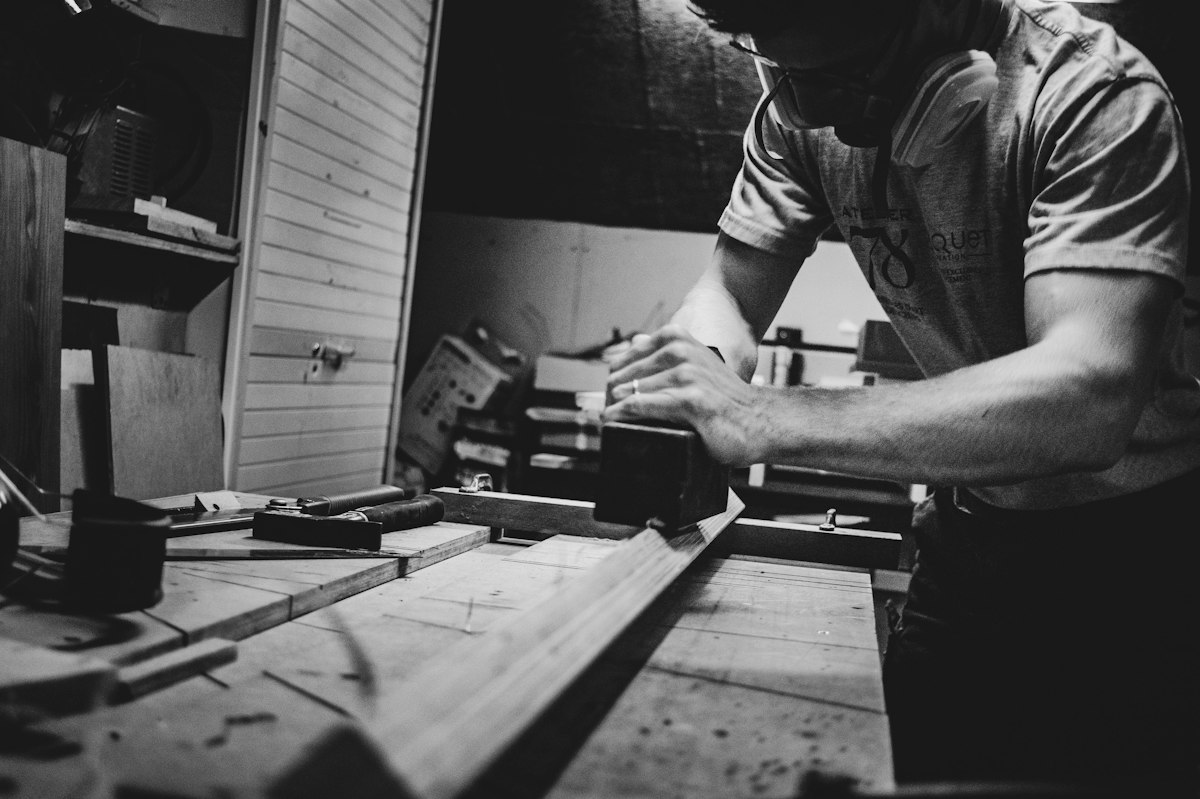
A folder of finished projects is useful, but a folder with context is much more useful. For each job you are permitted to document, record the project type, the customer's objective, the work completed and the approved level of location detail. Keep the information alongside the images so a future writer does not have to guess what happened.
Choose photographs that answer a question. A wide view can explain the setting, a detail can show a particular feature and a sequence can document progress. Ask the qualified project lead which details are appropriate to describe. Do not present an image as proof of performance or compliance when it only shows appearance.
Create a simple collection routine
Agree on safe, appropriate moments for documentation before work starts. The person taking photographs should follow site rules and never interrupt a hazardous task or enter an unsafe position for a better angle. Photography is secondary to the work and the people doing it.
Obtain the permissions needed for the intended use. Avoid showing customers, children, identifying documents, license plates, security details or private interiors without appropriate permission. Keep an original file and a separate publishing copy. Record any restrictions, including where the image may appear and whether the owner may later ask for it to be removed.
Google's Business Profile photo guidance emphasizes clear images that represent reality. Keep editing limited to truthful presentation. Do not manufacture a completed project with generative imagery or alter a photograph to hide an important condition while describing it as an authentic result. If you use an illustration, identify it as an illustration rather than a company job.
The minimum useful image record
A publishing folder needs context that travels with the image. Here is a compact record the office can maintain.
- Project code and date; public location limited to the approved level.
- What the image shows and what the company actually did.
- Photographer or supplier of the image and permission status.
- Caption approved by the project lead; technical claim source if one is used.
- Publishing restrictions, review date and link to the untouched original.
Turn the library into useful explanations
Use a consistent caption structure: the project, the relevant decision and the work shown. A caption such as replacement gutters on a detached garage is more informative than another claim about amazing craftsmanship. Add technical detail only when the company can support it and the detail helps the reader understand the project.
Google's business-specific photo guidance suggests showing the features people consider when choosing a business. For a contractor, useful subjects might include the team with permission, the actual business premises where appropriate, equipment in legitimate use and completed work. The exact mix should reflect the real operation rather than a staged impression of size.
Organize files so the office can find them by trade, project type and date. A basic approval status can prevent an unreviewed image from appearing in an ad. Keep customer contact details out of the publishing folder and avoid using a full home address as a public filename.
Review the library periodically. Remove images that no longer represent the company's work or permissions, and correct captions when a project detail changes. This creates an asset that supports service pages, estimates and educational articles. Its strength comes from accurate context and consistent handling, not from posting the largest possible number of images or claiming that a photo schedule guarantees more leads.
Sources & further reading
- Google: Business Profile photos and videos
Profile photo and video requirements.
- Google: Business-specific photo tips
Useful business photo subjects and quality.